
FAQ
Questions and answers.
If yours is not here, ask us. A person replies, usually within two working days.
Your account
Do I need to register or choose a password?
No. There is no registration and no password. Enter your email address and we send you a sign-in link (a "magic link"). It works once and expires after 15 minutes. Your account is created the first time you sign in.
Can I turn on two-factor sign-in?
Yes. In your account, under Security, choose Set up two-factor sign-in and scan the QR code with an authenticator app such as Google Authenticator, Microsoft Authenticator, 1Password or Authy. After that, signing in needs the link we email you and a 6-digit code from the app, so someone who got into your email still could not sign in.
When you turn it on we show you 10 recovery codes, once. Keep them somewhere safe: each one signs you in once if you lose your phone. If you lose both, email [email protected] from your account's address and we will check your identity before removing two-factor sign-in. A team's owners can require it for everyone in the team.
What to send
What kind of document works best?
Anything that explains something about your business in writing: a company overview, a service or product page saved as a PDF, a brochure, a product sheet or manual, a proposal, a case study, or an annual, impact or board report. The clearer the document, the better the first draft of the script. If the document is long, tell us what to emphasise.
Do I need permission to have my document made into a video?
It depends on what the video shows from the document. You choose one of two kinds when you order.
A redrawn video copies no text or images from the document. It explains the document's ideas and figures in our own words, with every diagram redrawn and every chart plotted from the numbers the document gives. You confirm that you may share the document with us, because you upload it for us to read. For your own business's documents that is usually straightforward.
A video that shows the document, with clips of its pages and pictures beside the animation, reproduces it, so it needs the right to adapt it. That is the case if your business owns the copyright, including in the photos and charts in it, or if the owner has given permission. Photos from a stock library, a client's logo or a supplier's brochure may need their own permission. If your situation is something else, tell us when you order and we will check it before we start.
Read more: Copyright and your video.
My proposal, product or report is confidential or not yet public. Can I still order?
You can prepare the order now. Mark it as confidential or embargoed when you upload, with the date it becomes public. Nothing from a flagged document is published or used as a sample, it is sent to a language model only on terms that keep no copy and train on nothing, and everyone on our team who handles it sees the flag. You decide when to publish the finished video.
Those terms are not in place yet, so we cannot yet process confidential or embargoed documents: you can save the order, and we keep it and email you when we can. The privacy policy has the details.
What can I upload?
A PDF of up to 25 MB that is not password-protected. Please remove personal data we do not need, such as customers' and staff names and contact details, before uploading.
What happens to my document afterwards?
It is used to make your video and nothing else, and deleted 90 days after you accept the video. The privacy policy has the details.
Scripts, review and revisions
Who writes the script?
Our specialised AI agents draft the script from your document and send it to you to read, edit and approve. With human review, one of our editors checks it first. Then it is yours to edit: you have full control of the narration, and you can say what you want to see at each point in the video. Nothing is made until you approve it.
Do you use AI video generation?
No. AI video models paint every frame from patterns they have learned, so they can show garbled text, a wrong number or a chart that is not in the document. Our specialised AI agents draft the script, and then our own software draws every frame in code: words are typeset, charts are plotted from the document's own numbers and diagrams are drawn to show what the script says. Read more: How we keep a video true to the document.
What is human review?
An optional add-on. One of our editors checks it against the document and signs it off before it comes to you for approval. If the script is revised, it is reviewed again.
It costs £99 per video (£118.80 inc. VAT), and can be added any time before you approve the script. Teams on the team plan can instead switch on the review add-on, so that every video submitted while the add-on is active gets human review. Human review is not included in the team plan itself.
Human review is a process, a second person's check, not a guarantee. Your approval of the script is always the final check.
What counts as a revision round?
A revision round is one complete render of your video. Each video includes 3, and the first render uses one. Your own script edits are free; asking us to rework the script uses a round. An extra round is £19 (£22.80 inc. VAT).
The round for a render is used when you approve the script and it goes into production. Asking for changes to a finished video does not use a round itself: the new render does, once. Fixing a video that does not match the script you approved, or that contains our mistake, never uses a round.
What if I do not respond?
We send reminders. A finished video you have not responded to is treated as accepted after 14 days, and a video left waiting on you for 90 days is closed. The terms explain both; neither affects your statutory rights.
Timing and delivery
How long does a video take?
We will confirm timing when we send your script. Your dashboard always shows whether a video is with us or waiting for you, and we take on only as many videos as we can deliver.
What do I get?
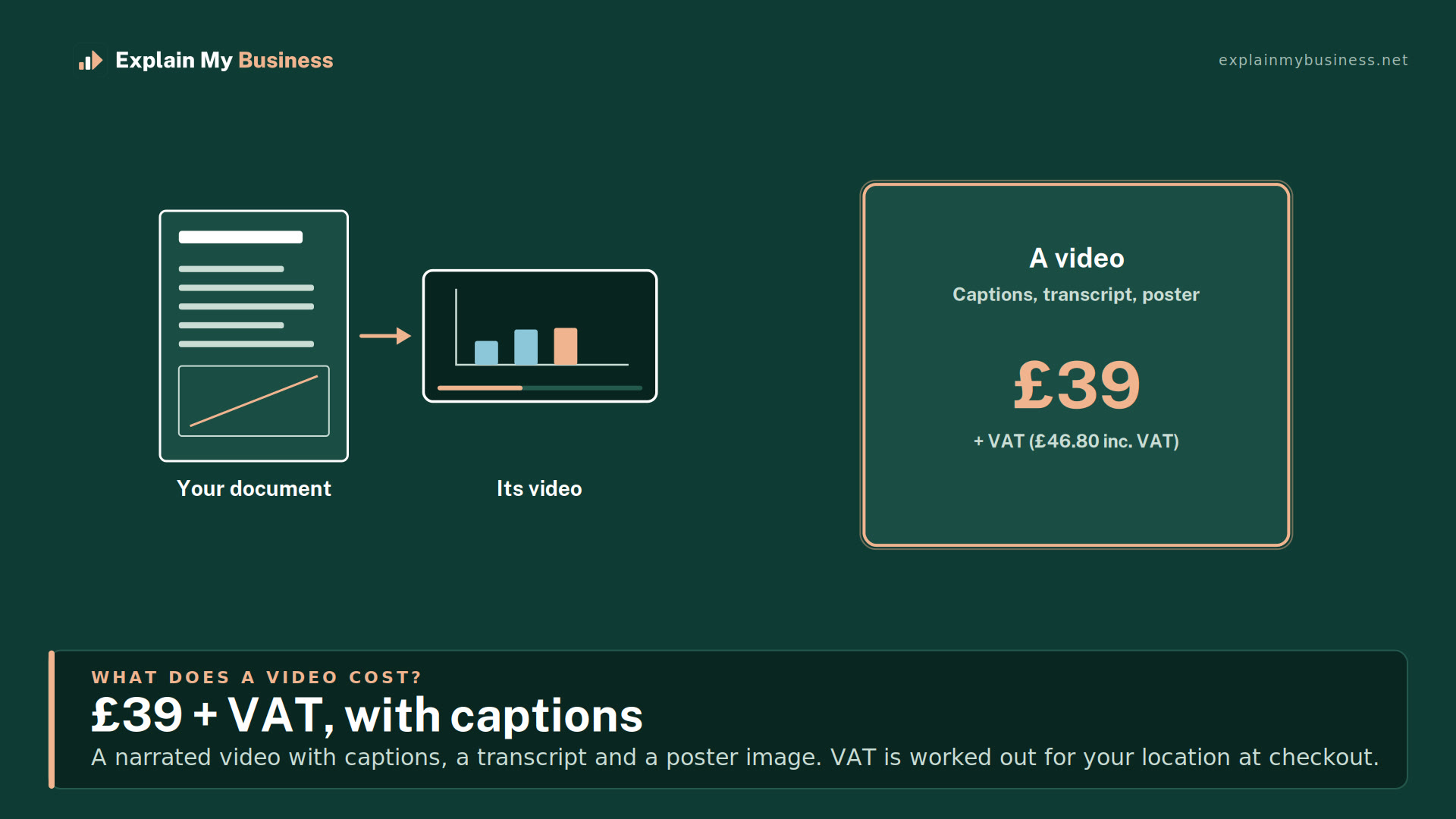
A narrated video with captions, a transcript and a poster image. Once paid for, you can use, publish and share the video anywhere, permanently, including commercially, and the script is yours.
How long can a video be?
You choose a target length when you order: 1, 2, 3 or 5 minutes. It is also the most the video will run, and your script is kept within it. Launch offer: any length up to 5 minutes for the price of a one-minute video. Every length uses one video credit during our launch.
Need a longer video, such as 30 or 60 minutes, or one covering several documents, such as a full product range? Contact us and we will talk it through with you.
Can I get Shorts?
Yes. On the order form, choose a widescreen video, Shorts or both. Shorts are a set of 3 vertical videos made from the same document, for YouTube Shorts, TikTok and Instagram Reels. Each opens on a hook, says one thing in plain language and has its subtitles on screen, and each says only what the script you approved says.
Shorts are included free during our launch. We may charge for them in future. We'll tell you before we do, and it won't affect videos you've already ordered.
Can I choose the voice and the layout?
Yes. The order form lets you hear each narration voice before you choose, and pick a layout: slides (text beside the animation), full animation, a mix of the two, or your own. For your own layout, download our PowerPoint or PNG template, move the coloured boxes to where the title, the text, the animation and, optionally, your logo should go, export the slide as a PNG and upload it. We show you what we found, and our team checks it before your video is made.
Style options are included free during our launch, and voices are always free. We may charge for some style options in future. We'll tell you before we do, and it won't affect videos you've already ordered.
Can the video use our brand?
Yes, free on every order. On the order form, give us your website address and we read your colours, fonts and logos from it, or upload your logo and we suggest colours from it. We show you what we found in a preview of a title card and a caption, and you can change any of it: your main and accent colours, text and background, fonts and which logo to use. We warn you if text would be hard to read, and suggest a fix.
We use open fonts that can be embedded in video. If your own font is not one of them, we choose the closest open font and say so; if you hold a licence to use your font in video, you can upload it instead. You confirm that you are entitled to use the logos and brand assets, and we use them only to make your videos. Your brand is saved with your account for your next video.
On the team plan we also build a full brand pack by hand, within 10 working days of receiving complete assets.
Where is my video hosted, and can you put it on YouTube for me?
The finished video is yours. Download it from your video's page, with its captions, transcript and poster image, and use it or upload it wherever you like: your website, YouTube, LinkedIn, your Google Business Profile, social media or an intranet. We keep it in your account until you delete it or close your account, and we never publish it anywhere unless you ask us to.
If you would rather not upload it yourself, we can upload it to YouTube or another platform for you. Ask us.
Paying and refunds
How long do pack credits last?
12 months from purchase. The team plan's monthly allowance does not roll over.
Can I get a refund?
Most of our customers buy as a business. If you buy as a consumer, you can cancel within 14 days of purchase. Unspent credits and unused add-ons are refunded in full. For a video already under way, the refund depends on how far it has got: in full before we send the first script, half once the script is sent, and nothing once the video is delivered. The terms set this out in full.
Can we pay by invoice or purchase order?
Yes. Send us an enquiry and we will set up your team and invoice you on 30-day terms.
Do prices include VAT?
Prices are shown without VAT, with the VAT-inclusive figure below each one. VAT is worked out for your location at checkout.
Accessibility
Are the videos accessible?
Every video comes with captions and a full transcript, so it works with the sound off and with a screen reader. Text and diagrams are drawn in code, so they stay sharp and legible.
Can the captions be in another language?
Yes. Captions can be translated into any language, so one video can reach customers in several. Multilingual voiceovers, with the narration itself in another language, are on our roadmap.
Is this website accessible?
We build it to WCAG 2.2 AA. If anything gets in your way, tell us and we will fix it.